

Camera Interface & Video Signal
Monitor, generate, capture or bridge MIPI CSI-2, parallel video and automotive SerDes camera links.
Explore Camera Interfaces
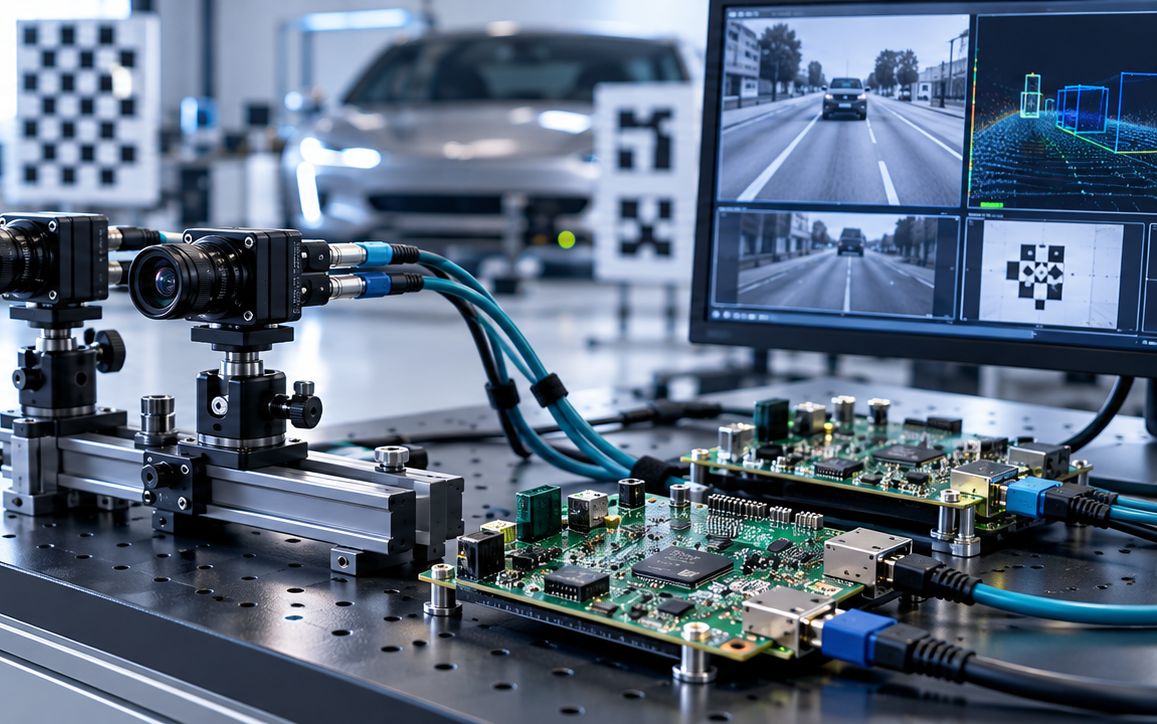
Test camera interfaces, image acquisition and analysis, automotive video paths, HDMI/DisplayPort and display signal workflows.
Choose whether you need to monitor or generate camera signals, evaluate captured imagery, or validate a display/video interface.
Monitor, generate, capture or bridge MIPI CSI-2, parallel video and automotive SerDes camera links.
Explore Camera InterfacesExplore image/protocol validation, optical performance, MTF and automotive imaging analysis workflows.
Explore Imaging AnalysisExplore HDMI signal generation, protocol analysis, source testing and display interface validation.
Explore Display TestingNo matching routes. Try a different test requirement.
Its legacy URL remains available while application-level content is consolidated into this Area 06 hub. No redirect is proposed.
These details help narrow the equipment and test configuration before selecting a model.
MIPI CSI-2, parallel, SerDes, HDMI, DisplayPort or another video interface.
Monitor/capture, generate/emulate, bridge, analyze or test source/sink behavior.
Resolution, frame rate, pixel format, lane configuration, throughput and recording.
Sensor, camera module, ISP/ECU, ADAS, video source, display/sink or full system.
Browse current equipment resources, or contact Denkei for application and configuration support.
Share the camera/display DUT, physical interface, signal direction, format, bandwidth and exact validation objective.